Zehn
Zehn is a Steam skin based on Windows 10’s Metro/Fluent transitional design language. It comes in both dark and light modes!
Why the name “Zehn”? Well, I wanted to make my own attempt to match Steam to a stock Windows 10 experience. The design language behind this OS is known as MDL2, the first iteration of Fluent Design. It isn’t quite the Metro of Windows 8 or the Fluent 2 of Windows 11. Rather, it is a transitional design language that retains the sharp lines and minimalistic icons of Metro and merges them with reactive Fluent effects such as Acrylic and Reveal that evolved into Fluent 2 for Windows 11. Both of these names were already used for other skins, but still neither quite fit anyways. So, I took the German word for “ten”, as it also sounds like the Japanese “禅”. My mind is clear knowing that this theme fits seamlessly into a Windows 10 environment.
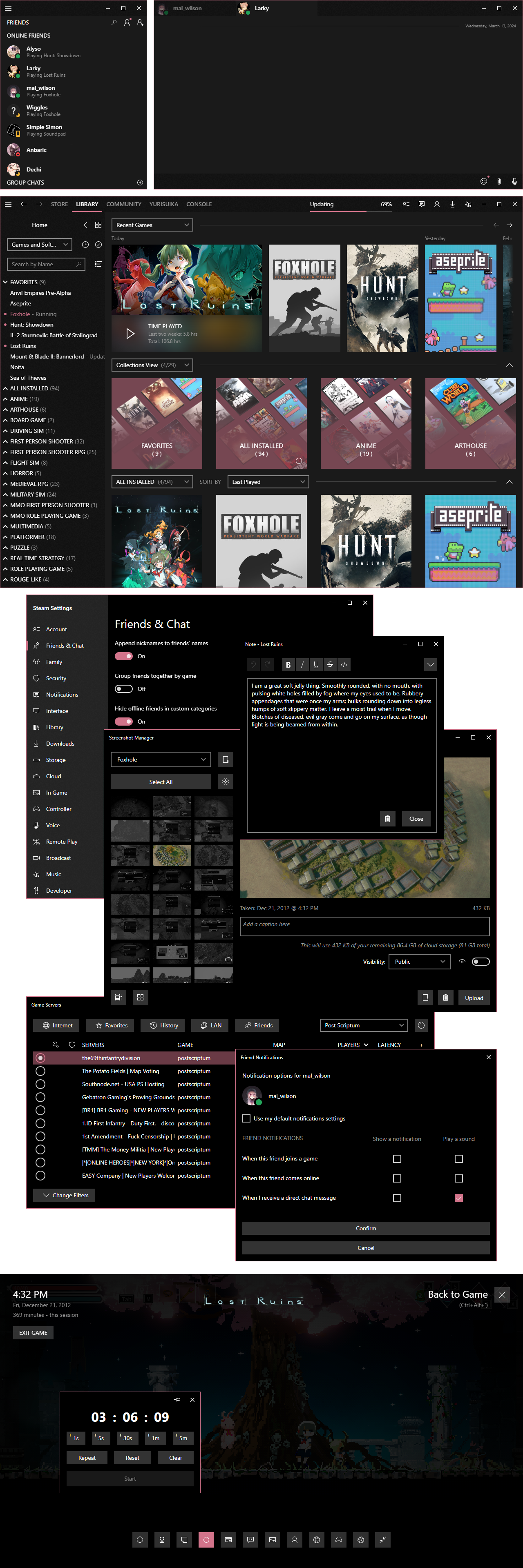
Dark Mode Previews
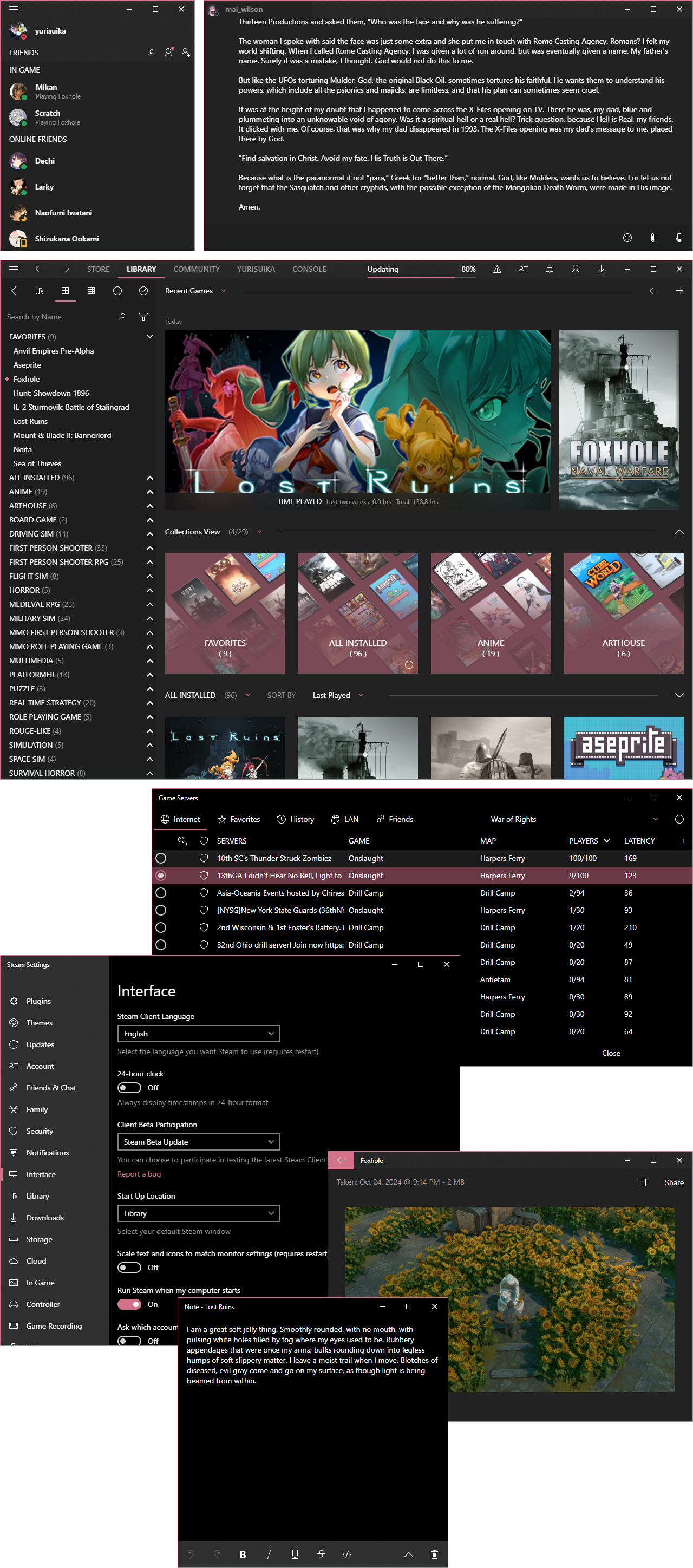Light Mode Previews
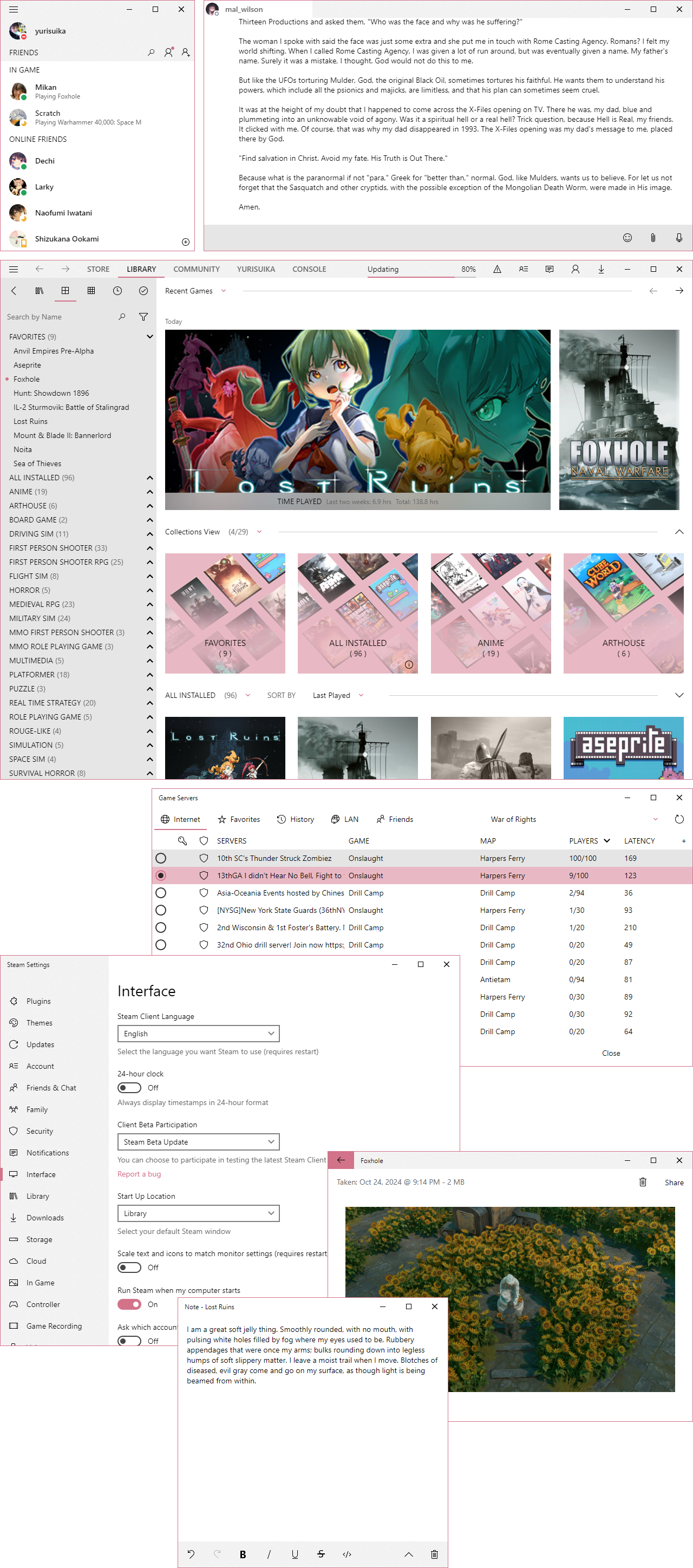Customization
For Millennium, use the respective tabs under the theme’s settings.
For SFP, you may edit the config in ~/config/options.json to dynamically patch in options for the skin! Please reference the values in ~/skin.json for now to know what they do. The skin folder must be named Zehn for this to work at the present time!
Colorization
You can colorize both the foreground and background colors of Zehn!
For Millennium, under the Theme tab, enable your choice of foreground and/or background blending. Optionally, set the blend amount and color space (different approaches to blending that produces different results). Under the Colors tab, choose the colors for blending and you’ve got a whole new look!
For SFP, edit the config in ~/config/options.json!
Features
On Windows, the accent color will take your system’s accent color by default. If you are on a system that does not support this variable, there is a fallback value. If you wish to change this, please manually enter the value in ~/config/theme/mode/<theme>/colors.css.
Zehn features several added buttons for an improved experience:
- The library window’s menu button toggles the visibility of the root menu bar and the navigation menu bar.
- You can toggle the visibility of the current user container on the friends window using the navigation button in the upper-left corner.
- The library sidebar can be toggled by an added button. You will find this button on the sidebar when opened and in the bottom-right corner when closed while the window is focused and hovered.
- The game page details panel is hidden by default. A button has been added to the playbar to toggle it.
- The game event and community content feeds can be toggled, with the event feed displayed by default. The button is also in the playbar.
Versions
Zehn features both a static and a live version!
The static version contains the whole skin source. You will need to download the latest release for any updates, which come often as rolling releases!
The live version references the latest static version on the web, so each time Steam is started or reloaded you will have the latest improvements. This version is recommended for most users as it infrequently requires updates.
Installation
- Download your preferred version.
- Extract the archive
Zehn. - Navigate to your Steam folder.
- Place the extracted skin folder in
~/steamui/skins. - Enable JavaScript support in your patcher of choice.
- Select the skin in the patcher.
Currently this skin works fine on both SteamFriendsPatcher and Millennium.
Discussion
If you have inquires, you may use either GitHub Discussions or join my modding Discord server.