Zehn
Zehn is a Steam skin based on Windows 10’s transitional design language. It comes in both dark and light modes with lots of customization!
Why the name “Zehn”? Well, I wanted to make my own attempt to match Steam to a stock Windows 10 experience. The design language behind this OS is technically known as MDL2, the first iteration of Fluent Design. It is a transitional design language that retains the sharp lines and minimalistic icons of Metro and merges them with reactive Fluent effects such as Acrylic and Reveal that evolved into Fluent 2 for Windows 11. So, I took the German word for “ten”, as it also sounds like the Japanese “禅”. My mind is clear knowing that this theme fits seamlessly into a Windows 10 environment.
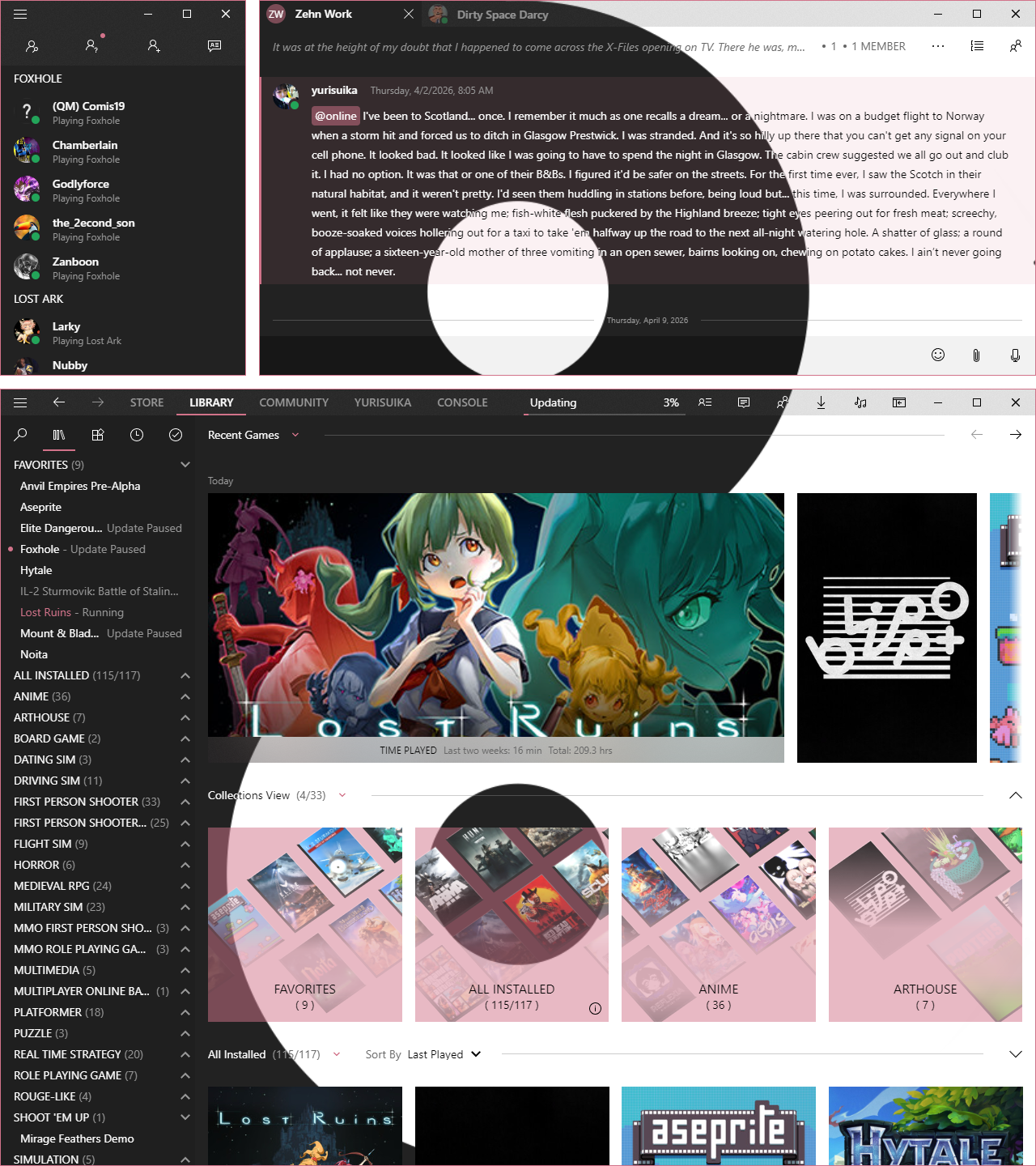
Make Steam Look Like It Belongs in Windows 10
Part of the design philosophy behind Zehn is to only show what is always going to be relevant to your needs. The rest can be displayed when the ephemeral moment comes. Steam has a lot of visual clutter and redundancy, so Zehn seeks to alleviate you of this and let you navigate Steam without all the distraction. This is the elegent simplicity of Windows 10 Fluent Design that you love brought to Steam!
[!TIP] Check out these extended previews to see more of Zehn!
Dark Mode
#### Main 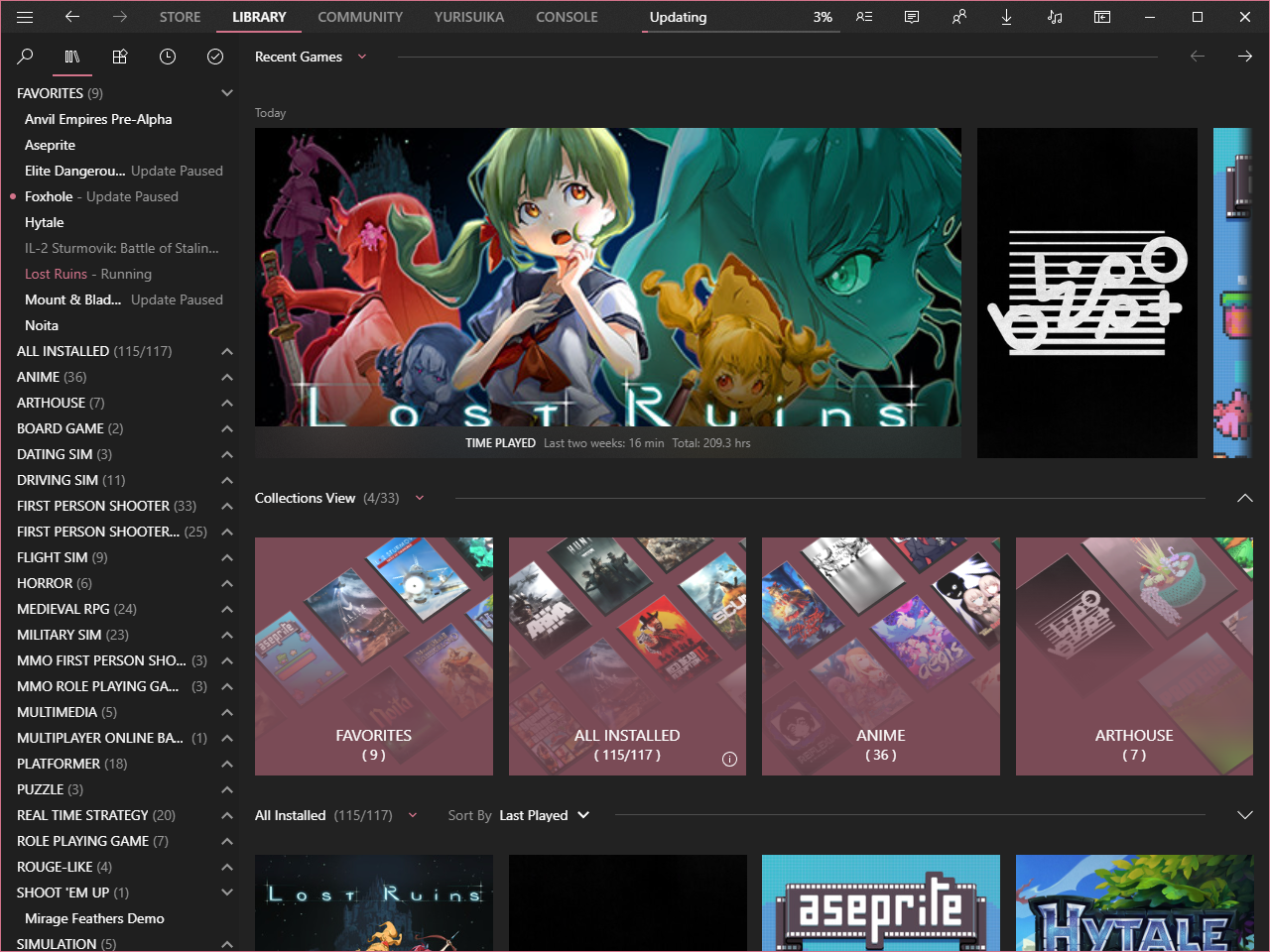 #### Friends 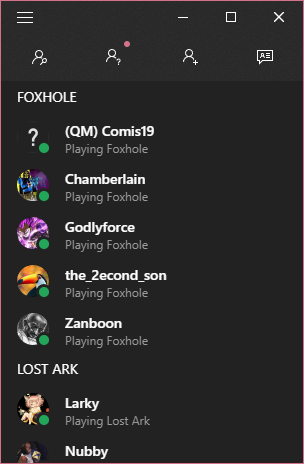 #### Chat 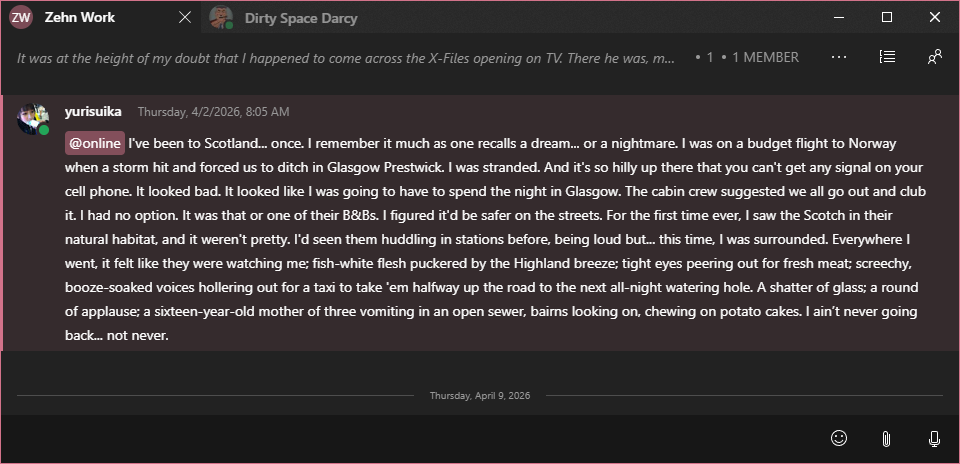 #### Media 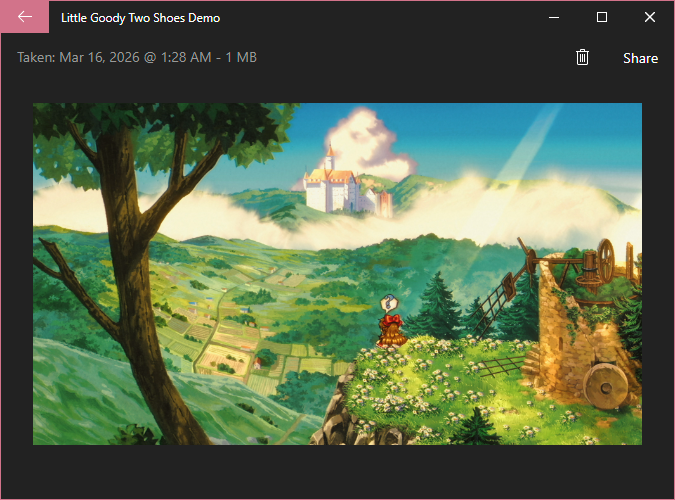 #### Settings 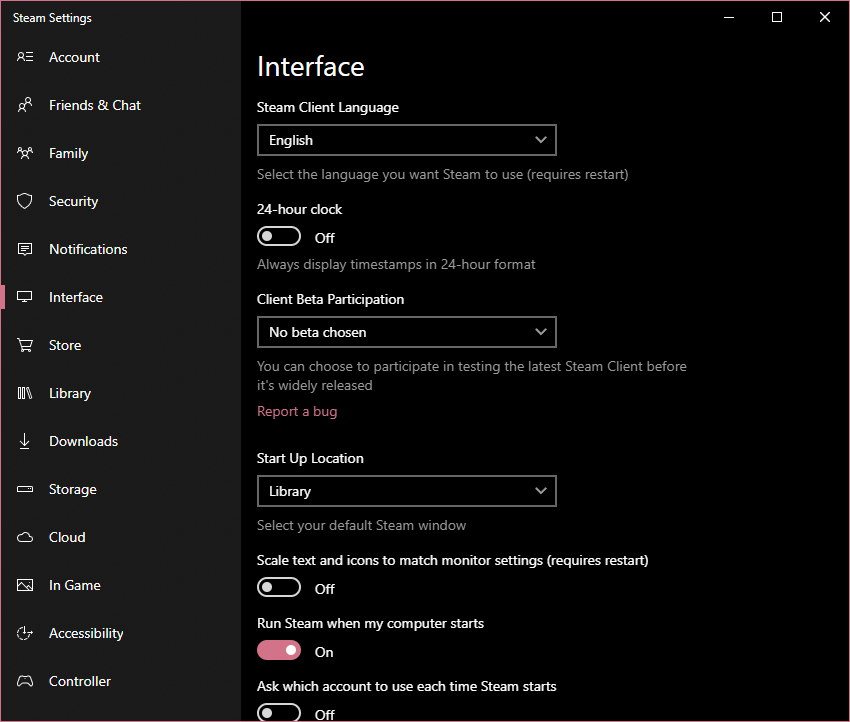 #### Notes 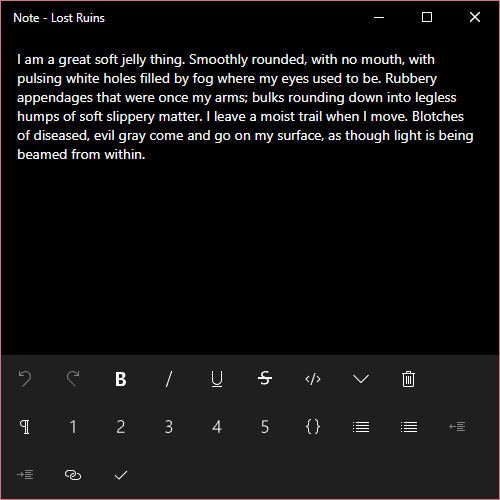 #### Servers 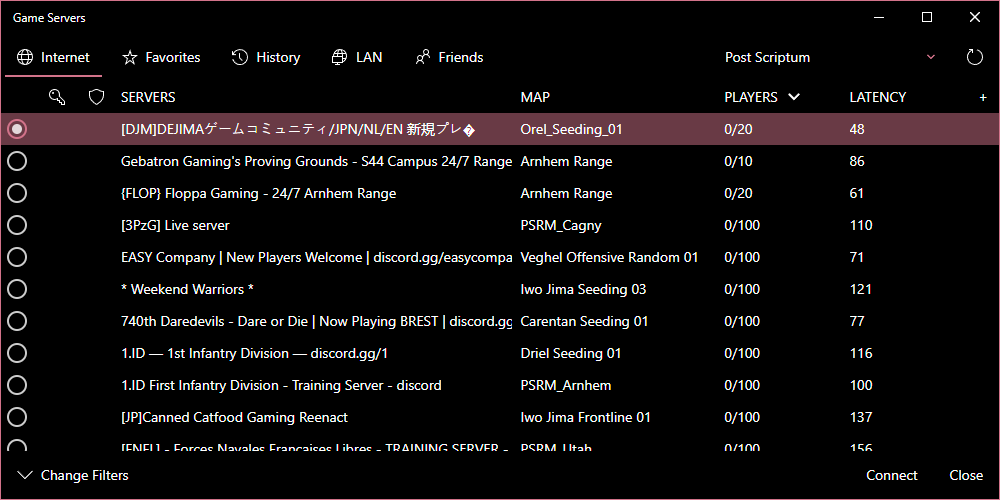 #### Browser 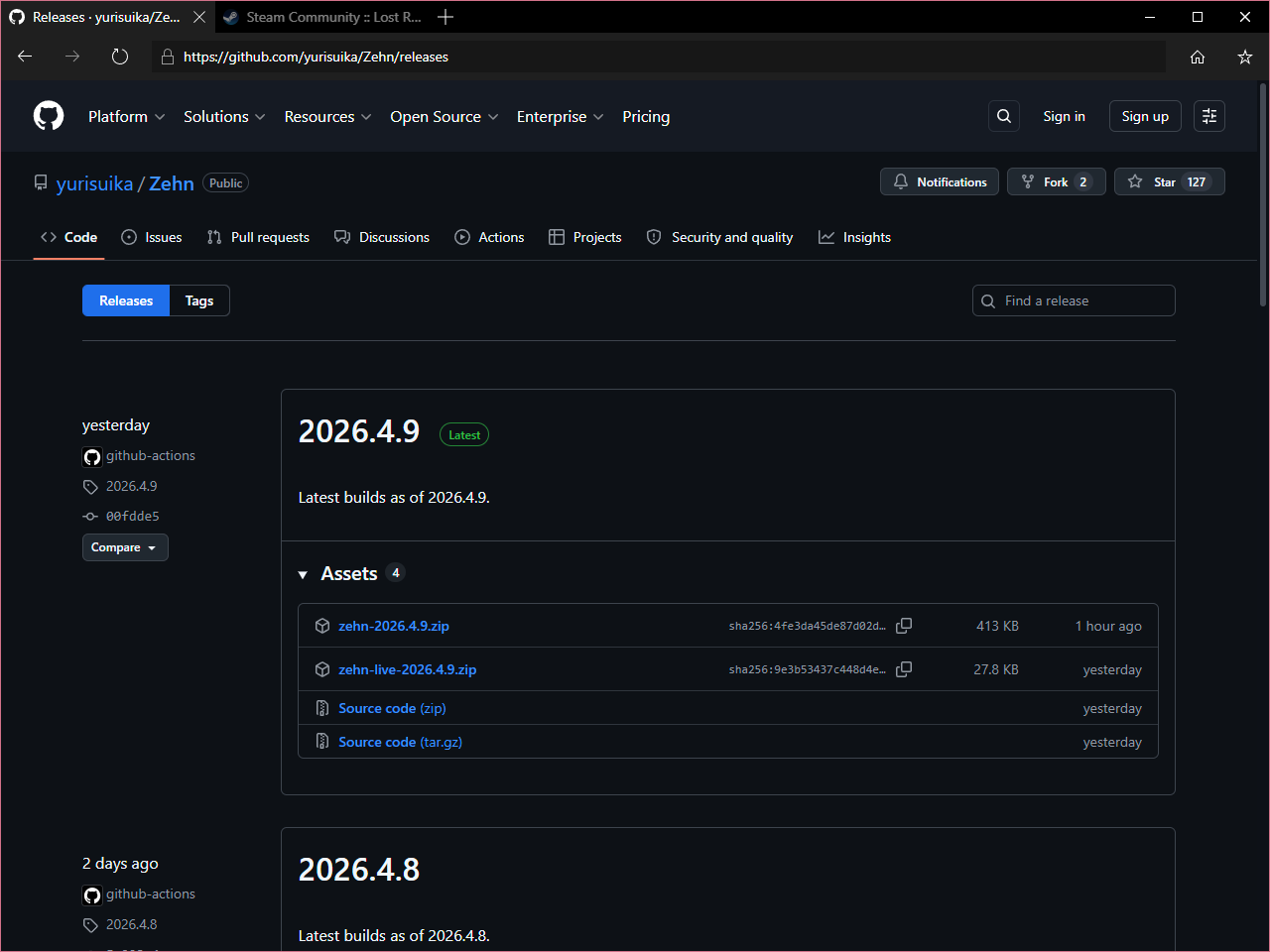 #### Overlay 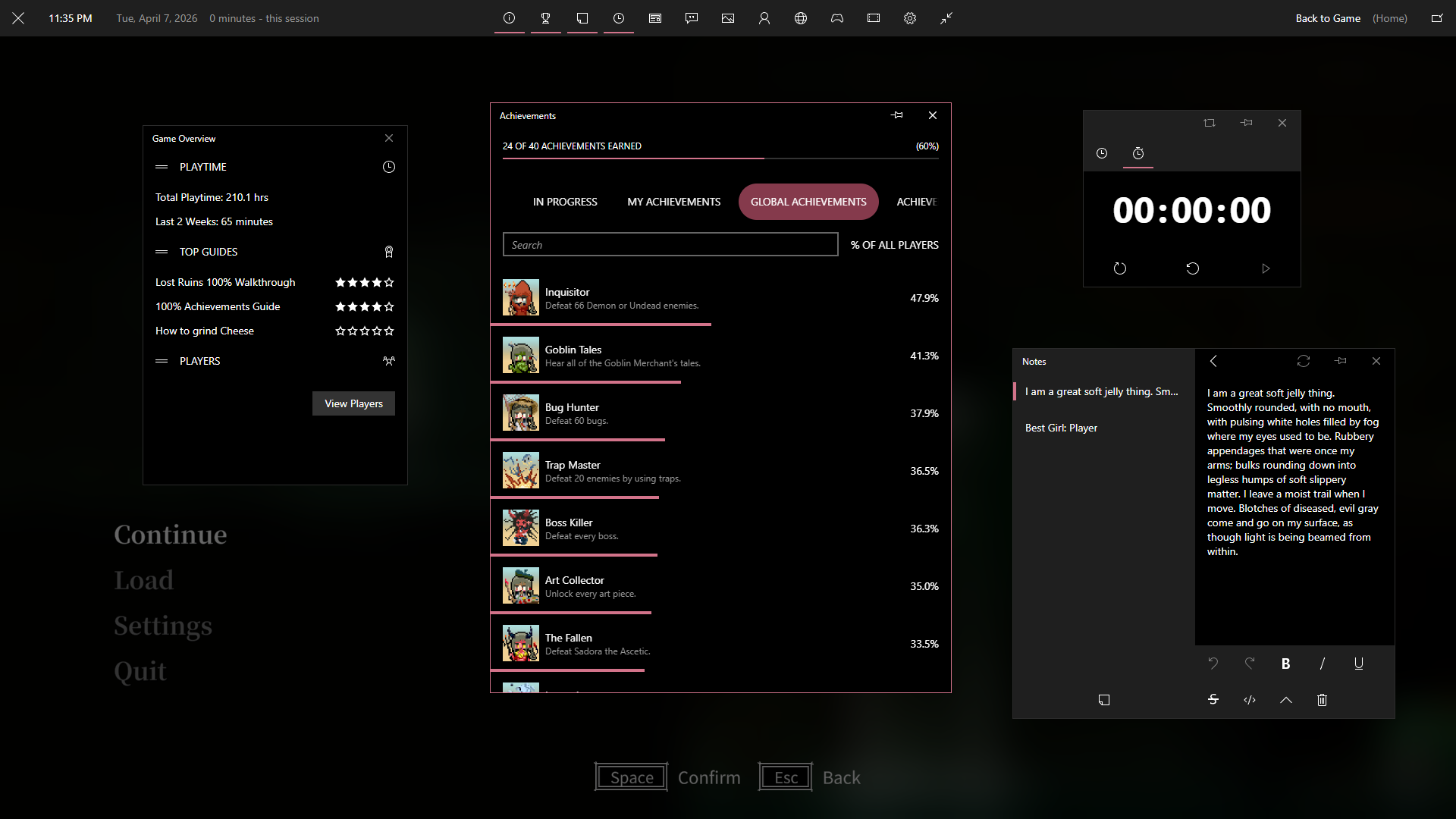Light Mode
#### Main 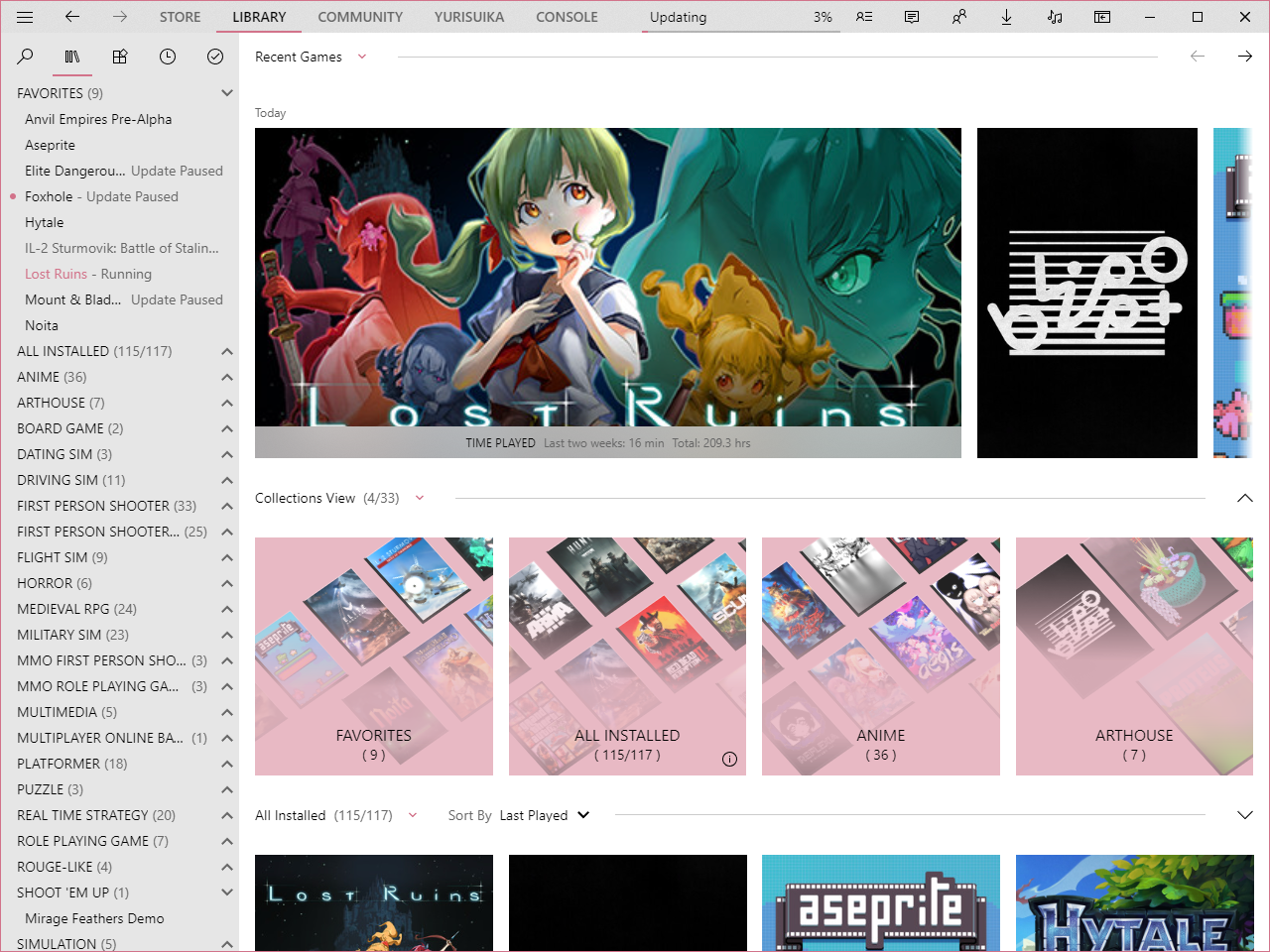 #### Friends 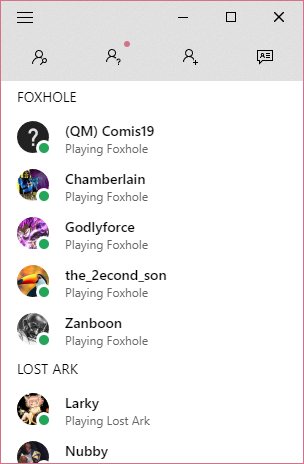 #### Chat 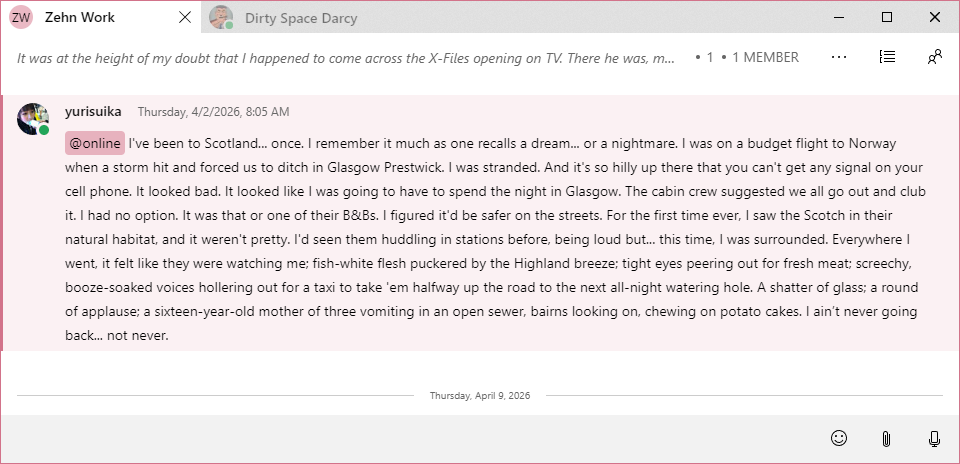 #### Media 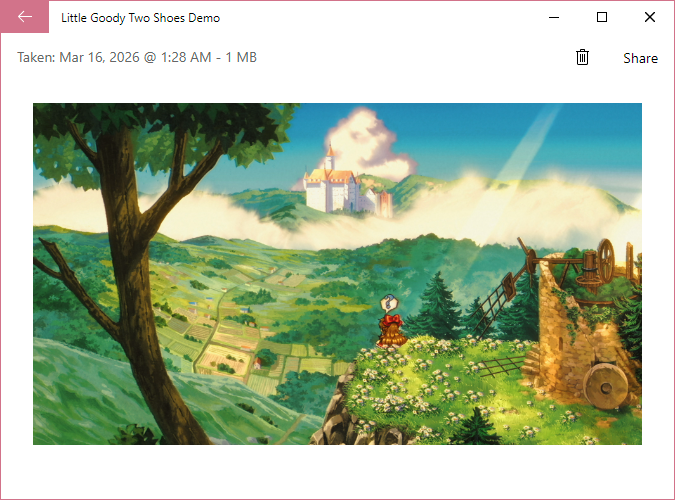 #### Settings 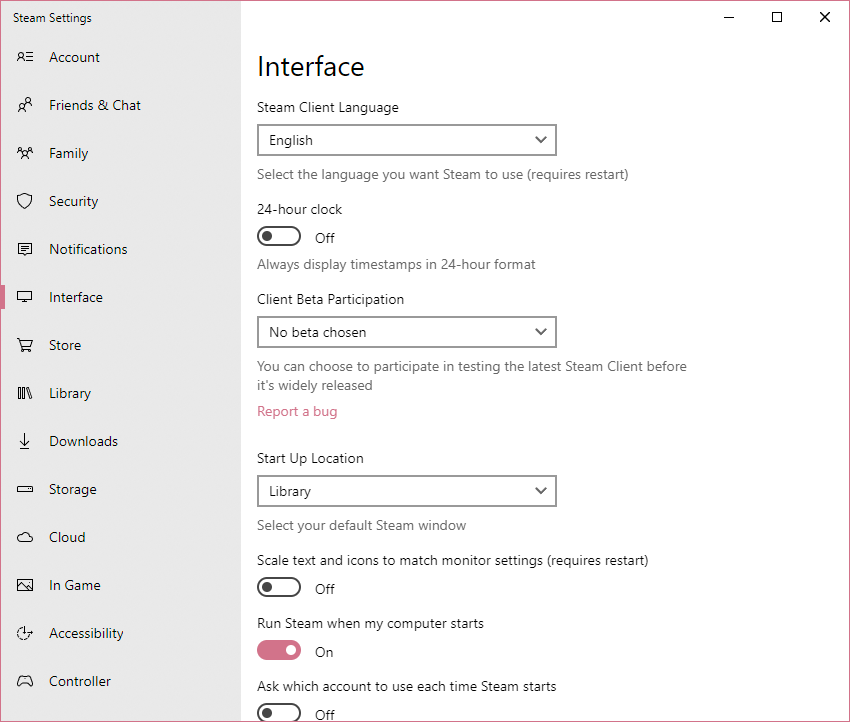 #### Notes 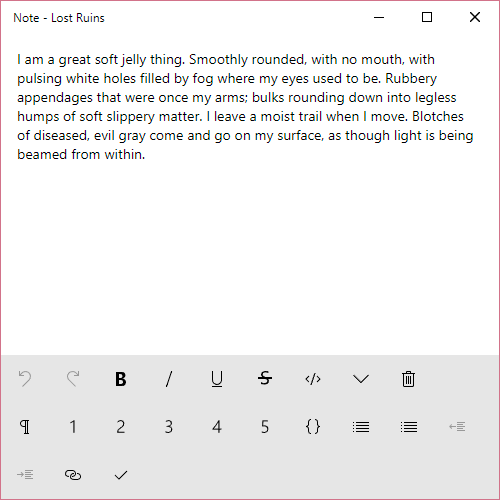 #### Servers 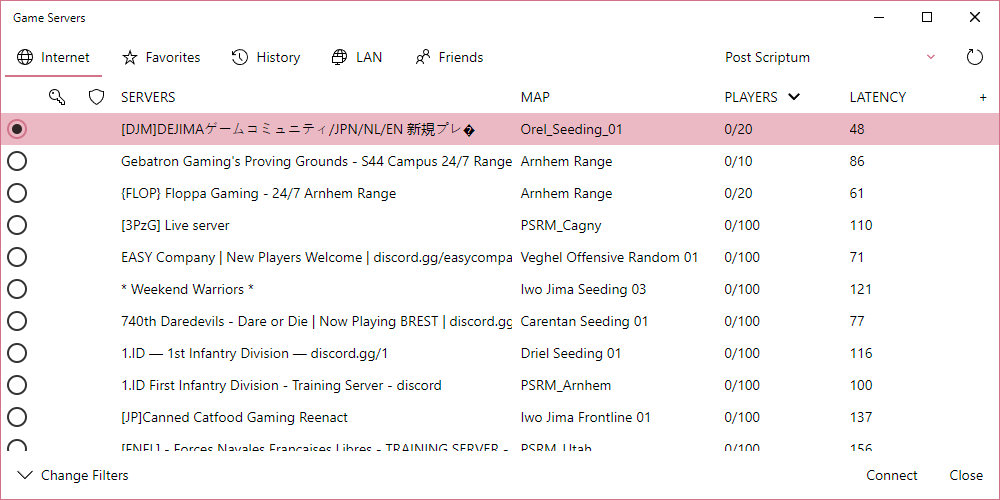 #### Browser 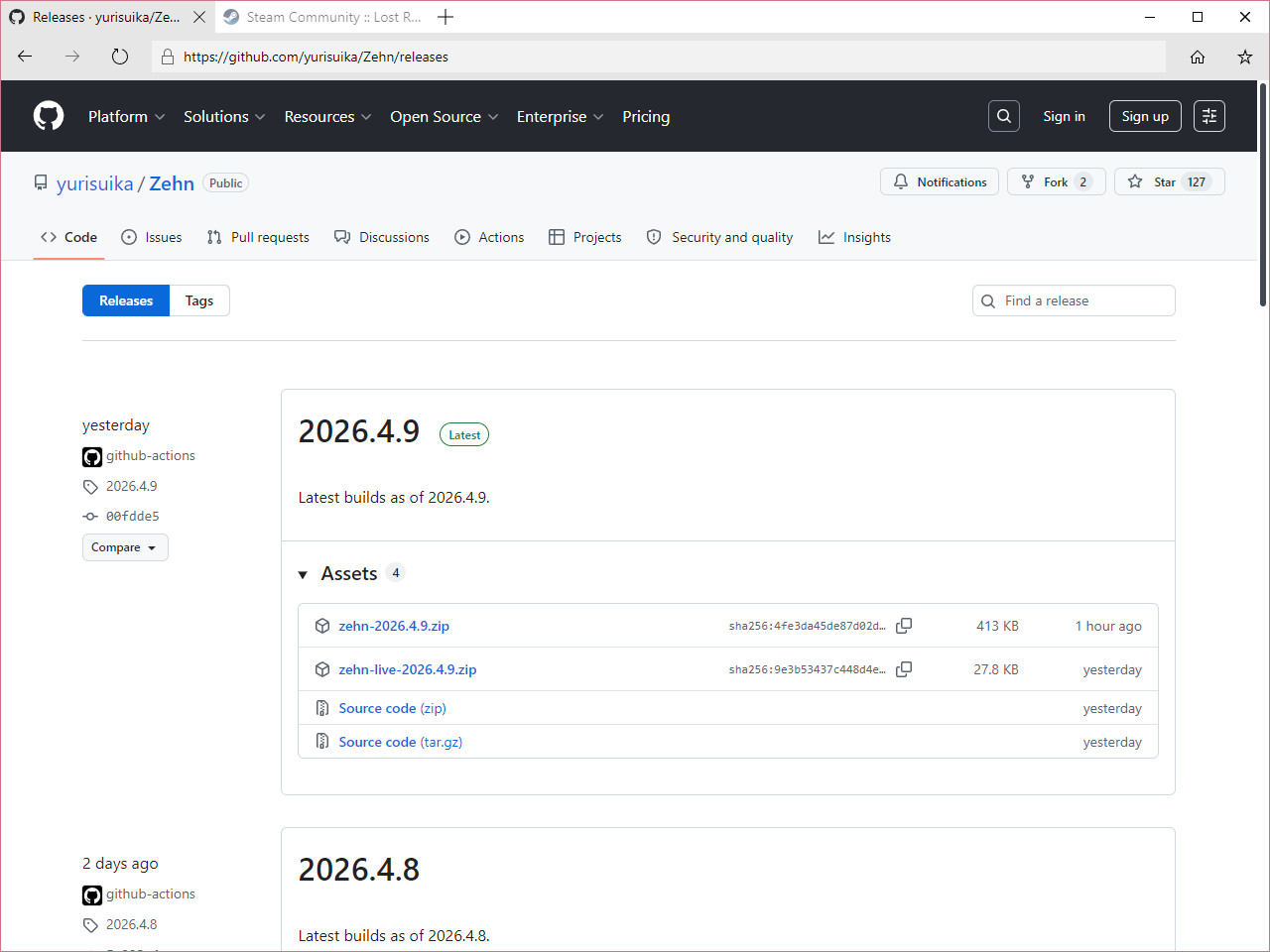 #### Overlay 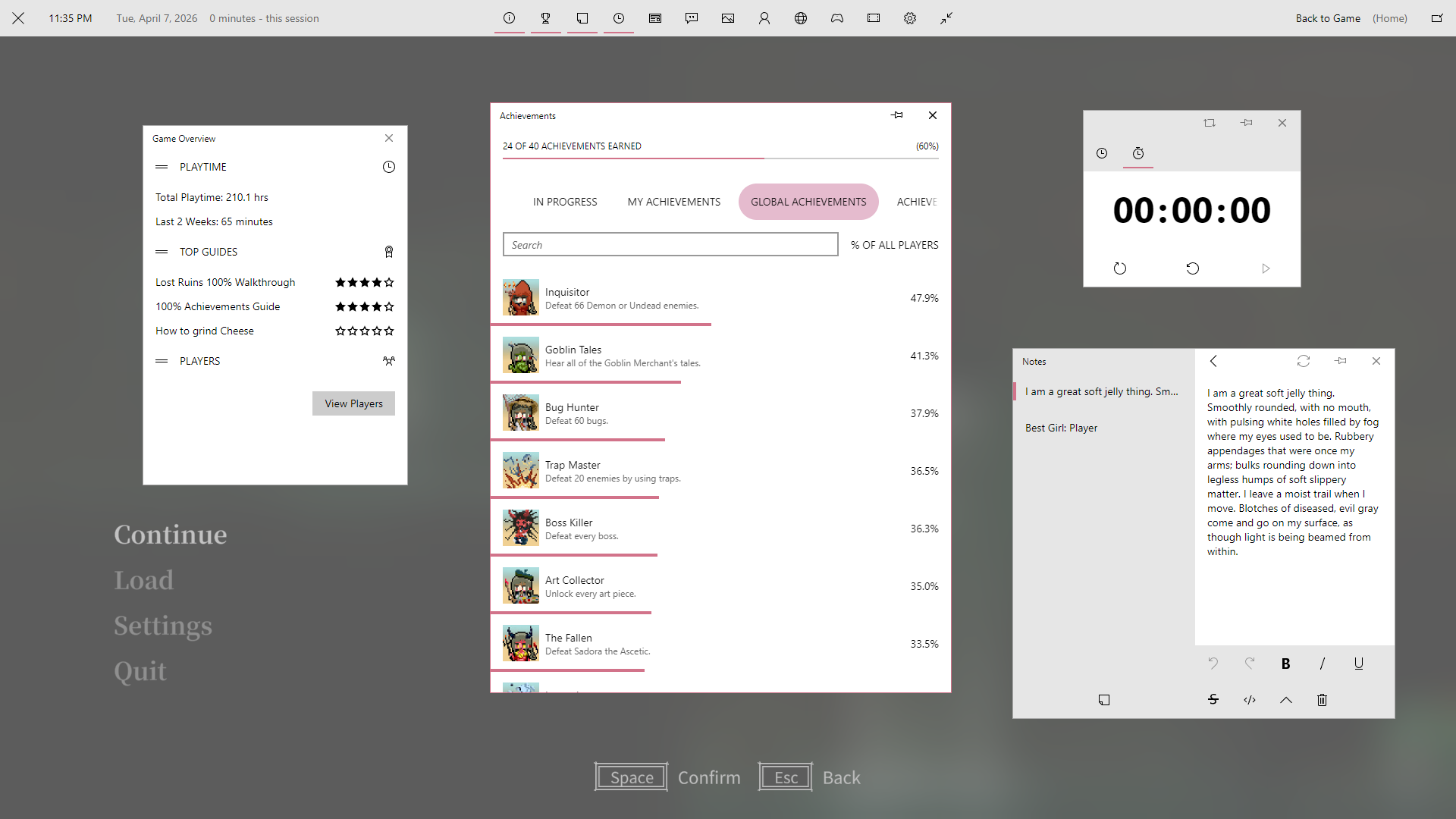
What Does Zehn Offer?
Customization
Check out the options to make Zehn tailored to your tastes, including hiding and showing content, styling looks of components and pages, and more!
Several options mirror settings in Windows 10, such as toggling transparency effects and showing your accent color on window borders. Along with the choice of light or dark modes, you can ensure Zehn matches your Windows 10 setup! You can even let Zehn automatically sync with your system mode!
[!NOTE]
Millennium
Use Millennium’s Library Manager to select Zehn’s options inside of Steam. Write your own styles using Quick CSS!
SFP
Edit the config in
options.json. Please reference the wiki to know what the values for each option may be. Write your own styles incustom.css!
Color Blending
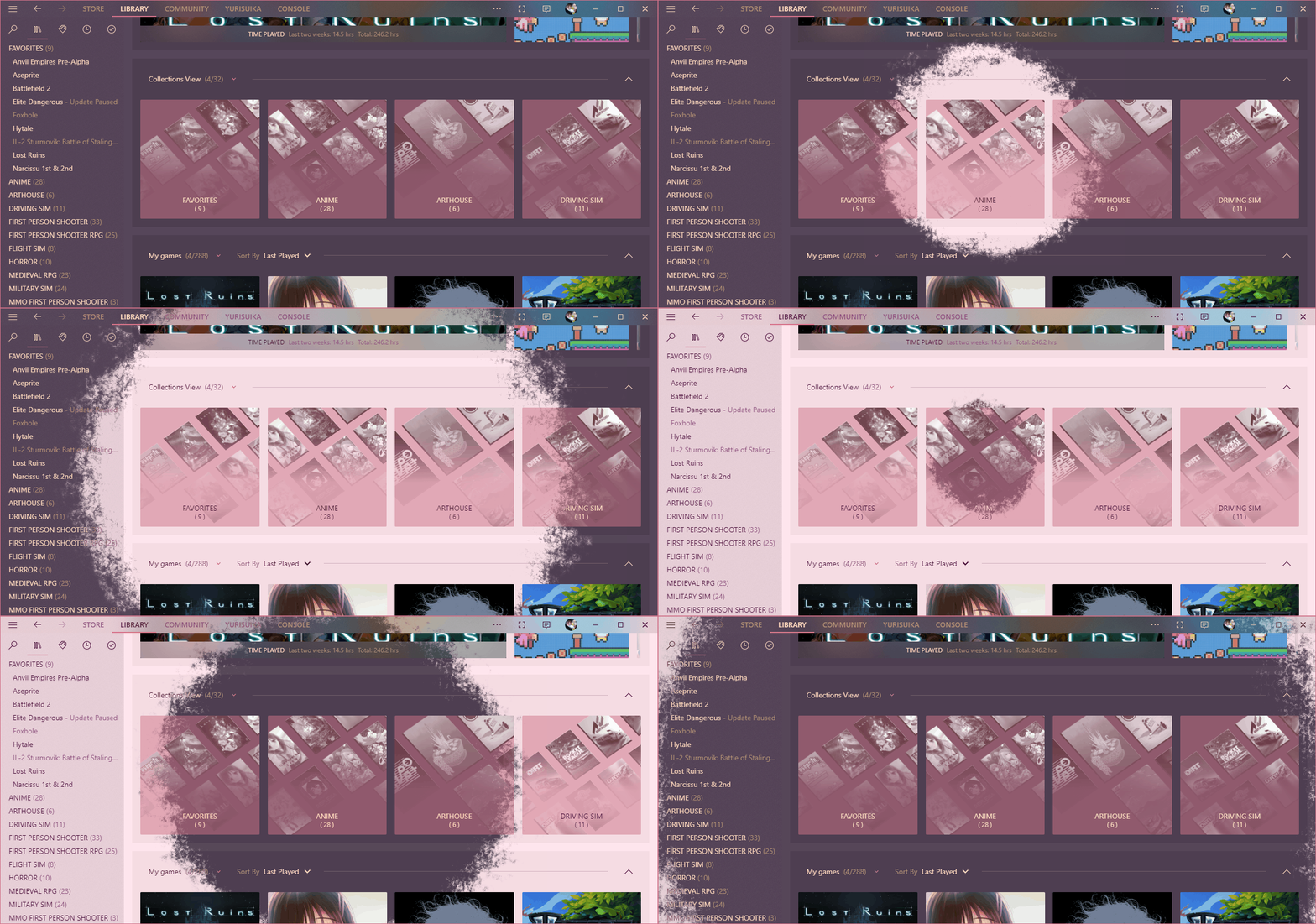
Zehn is built on the foundation of CSS variables to make broad-sweeping changes a breeze and offer a high degree of consistency. Everything except accent colors can be recolored to your liking without having to edit any CSS!
You can blend colors into both the foreground and background of Zehn. Give Steam more than just a native look, give it your look in either light or dark mode!
[!NOTE]
Millennium
Configure color blending on the
Personalizationtab under theThemesection. Set the colors under theColorstab.SFP
Edit the config in
options.jsonas usual. Set the colors in/option/colors.css.
Fluent Design
Reveal
Reveal is a Fluent Design effect that reveals hidden backgrounds and borders where you mouse over. When Transparency Effects is enabled, certain buttons, lists, and more are given Reveal!
Acrylic
Acrylic is a Fluent Design material that blurs the background of a surface with a translucent color along with a bit of noise. Acrylic is given to many surfaces when Transparency Effects is enabled.
Certain surfaces will always have an Acrylic blur on them. These are generally small panels that blur images behind them.
Some windows have reactive panels that change into an Acrylic surface upon window focus. These fall into two categories:
- Panels that overlay and blur Steam content below them. This works out of the box!
- Windows that blur the desktop and other windows behind them. This requires the DWMX plugin for Millennium to work.
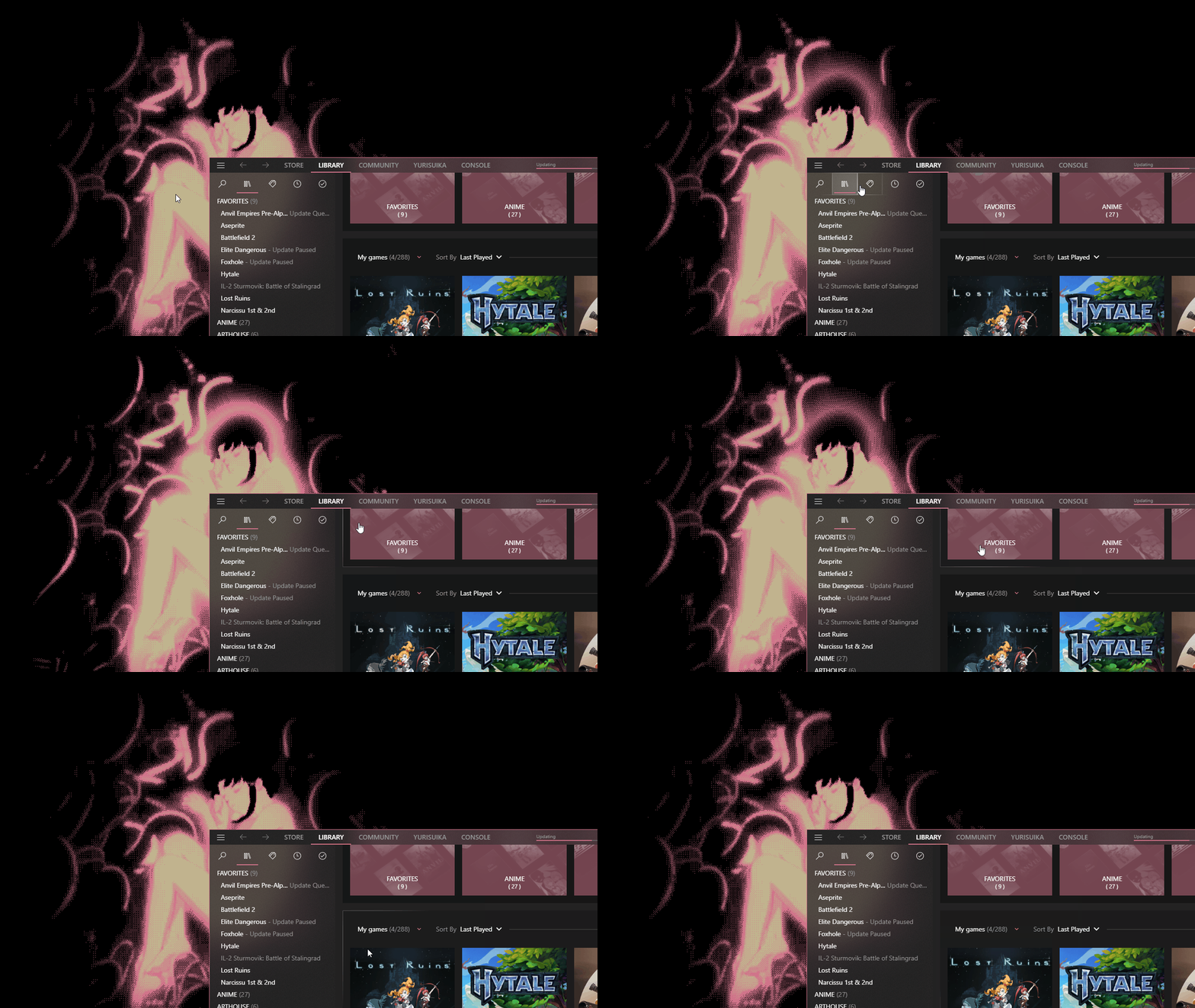
[!WARNING] Behind-window Acrylic may require additional compositing software to function. See the Acrylic page on the wiki for a guide on how to get it to work!
Waifus
You can give your waifu a home in your library!
Have a harem? You can have someone different greet you every time Steam loads with random image selection, configurable via JSON! Adjust appearance and placement to your liking!
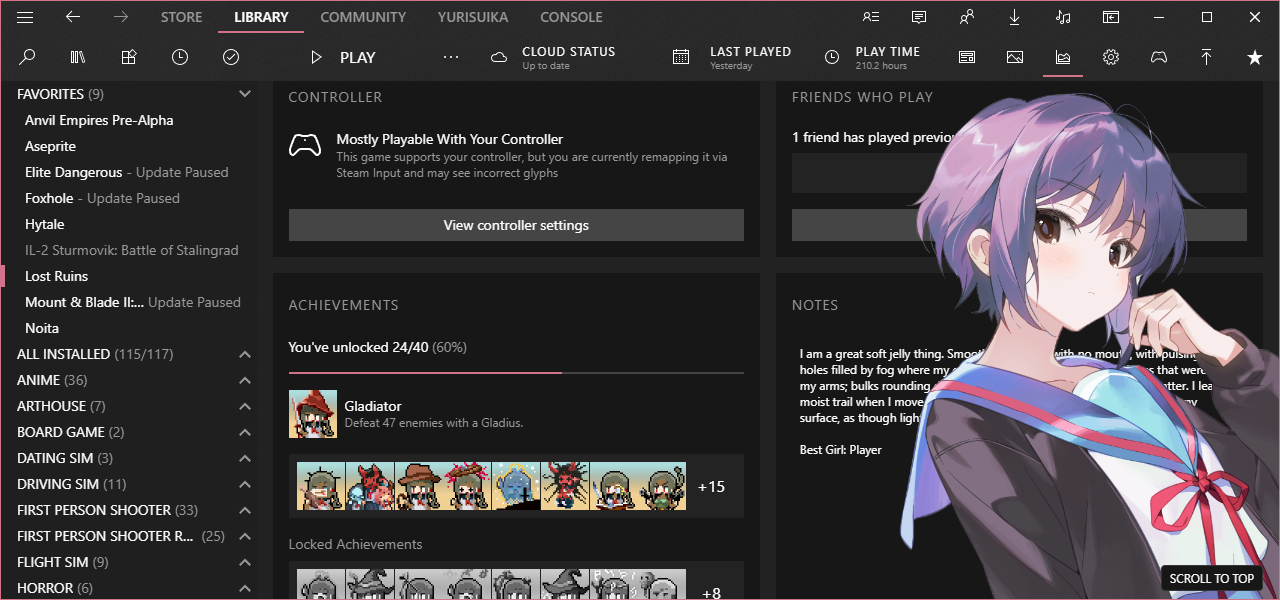
[!TIP] Did I mention the wiki?
Other Features
Zehn features numerous added buttons to expand/collapse content, switch between pages, adjust layouts, and more! Many also have their own tooltips done just like they were part of Steam!
Any text added by Zehn is localized to languages supported by Steam via localization keys in /data/localization.json.
Plugin Support
Some Millennium plugins need a bit of styling to fit with Zehn. You can enjoy the following plugins made to look right at home in a Zehn Steam:
- Achievement Groups
- Collections+
- Easy SteamGrid
- Extendium
- Gratitude
- HLTB for Steam
- Size on Disk
- Window Styler (DWMX)
Getting Zehn
Installation
- Download the latest release of Zehn and extract the archive.
- Navigate to your Steam installation.
- Move the extracted Zehn folder into the proper Steam directory.
- For Millennium 2.x or SFP, this folder is
~/steamui/skins. - For Millennium 3.x and up, this folder is
~/millennium/themes.
- For Millennium 2.x or SFP, this folder is
- Enable JavaScript and CSS injection in your patcher of choice.
- Select Zehn in your patcher and enjoy!
Zehn supports both SteamFriendsPatcher and Millennium.
Documentation
For in-depth documentation, see the wiki!
Check out the Announcements discussions for details on recent major updates.
Work in progress is also documented in the Previews discussions. Find out what is being worked on and learn what is up-and-coming for Zehn!
Support and Community
Head on over to Support if you need help!
Join the new Steam Group and drop into the chat room!